For scout leaders
Less admin.
More scouting.
Scouty is where your leaders plan the programme, prepare the camp, keep badge plans on track and run the games on the night. Together, on the web and on iPhone.
Free while Scouty is in beta. The iPhone app is coming to the App Store.
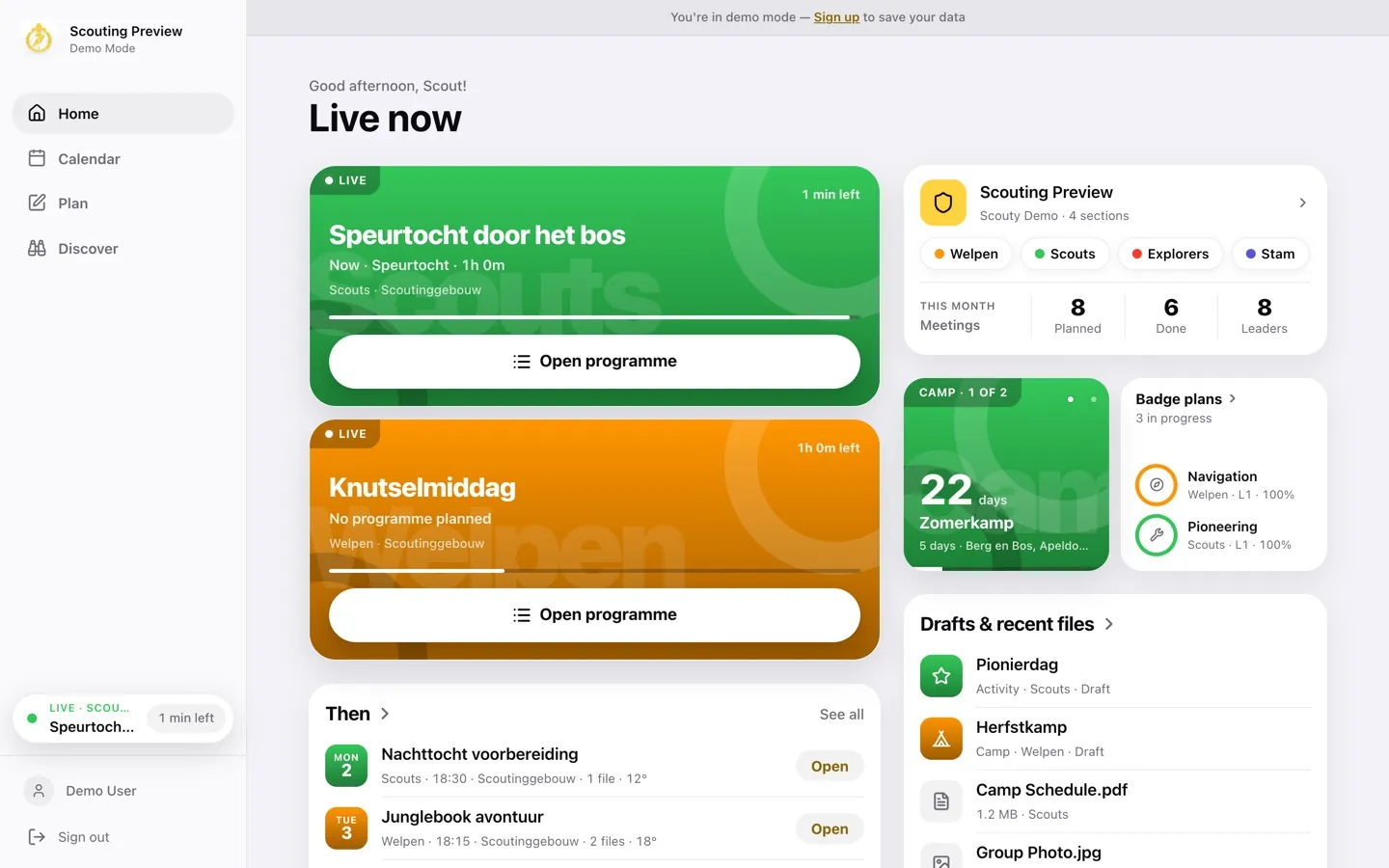
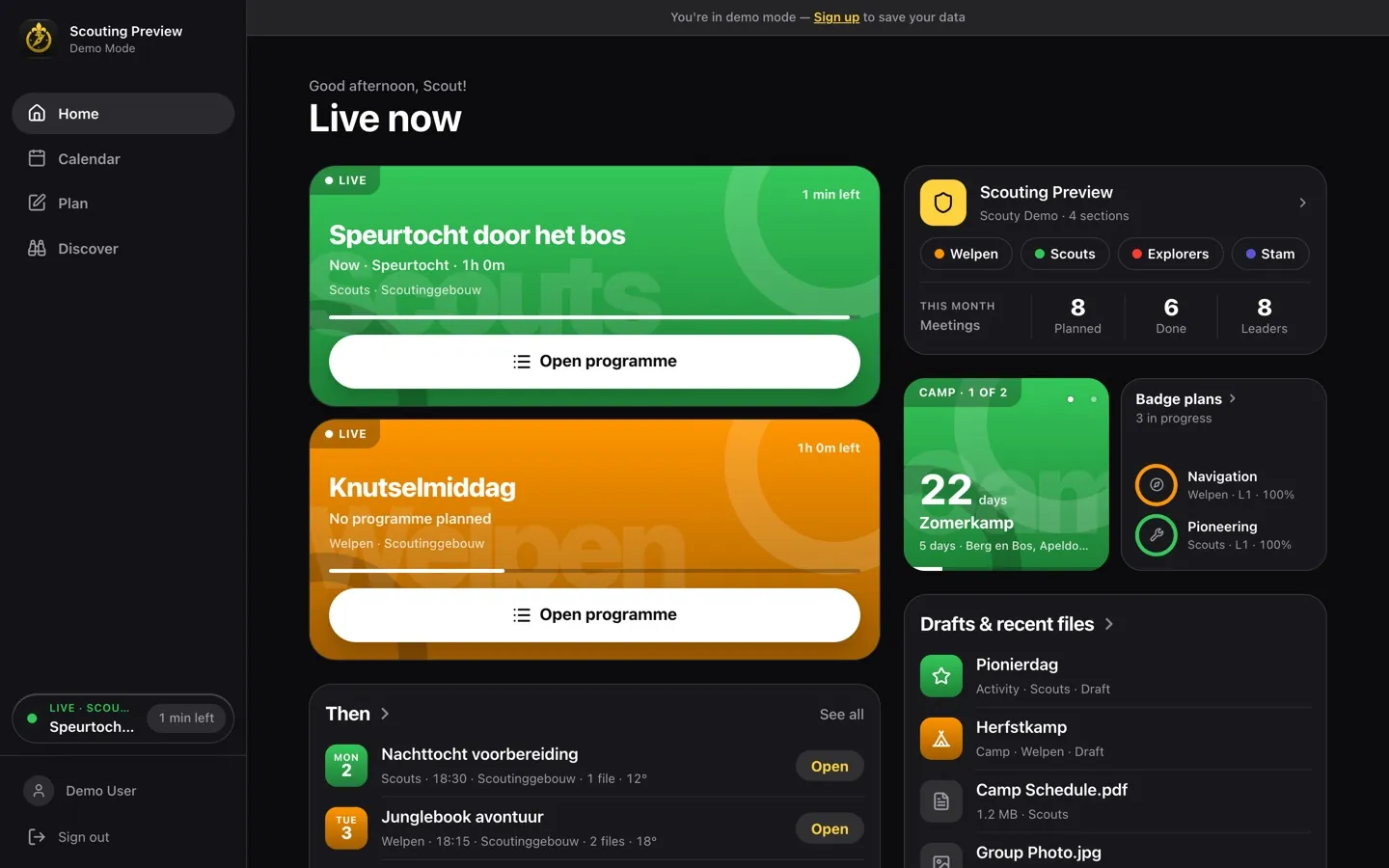
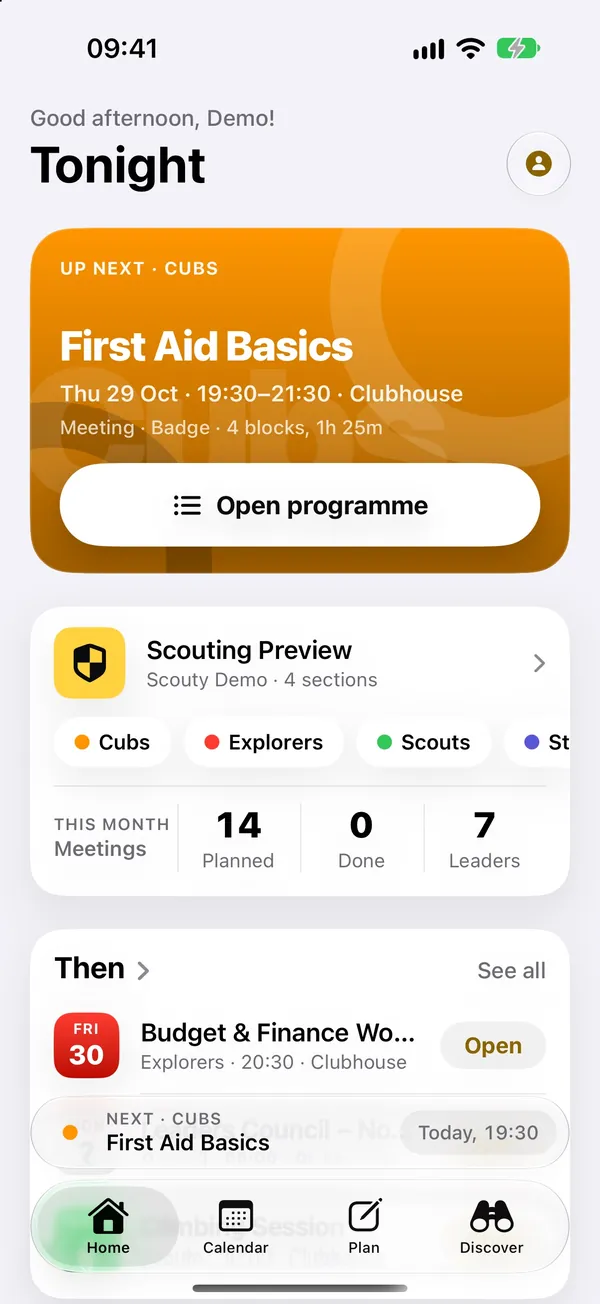
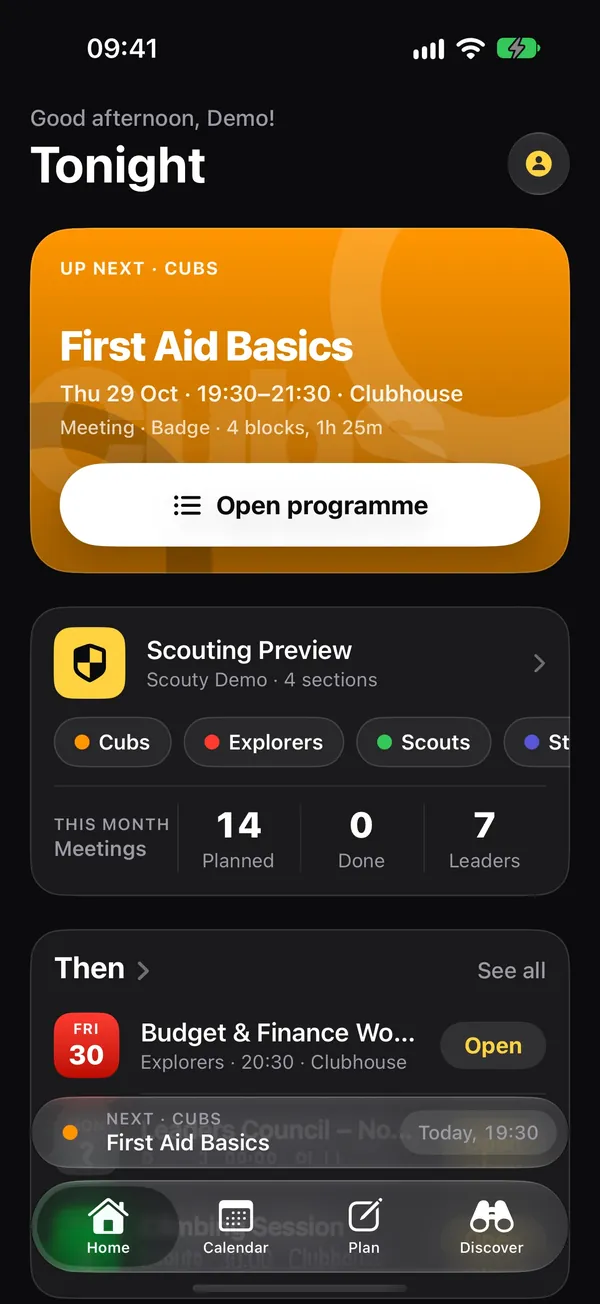

Badges built in
The Dutch and UK badge schemes, ready to plan with.
Every section
From the youngest to the oldest, in one group.
Web and iPhone
The same group on a laptop and in your pocket.
English and Dutch
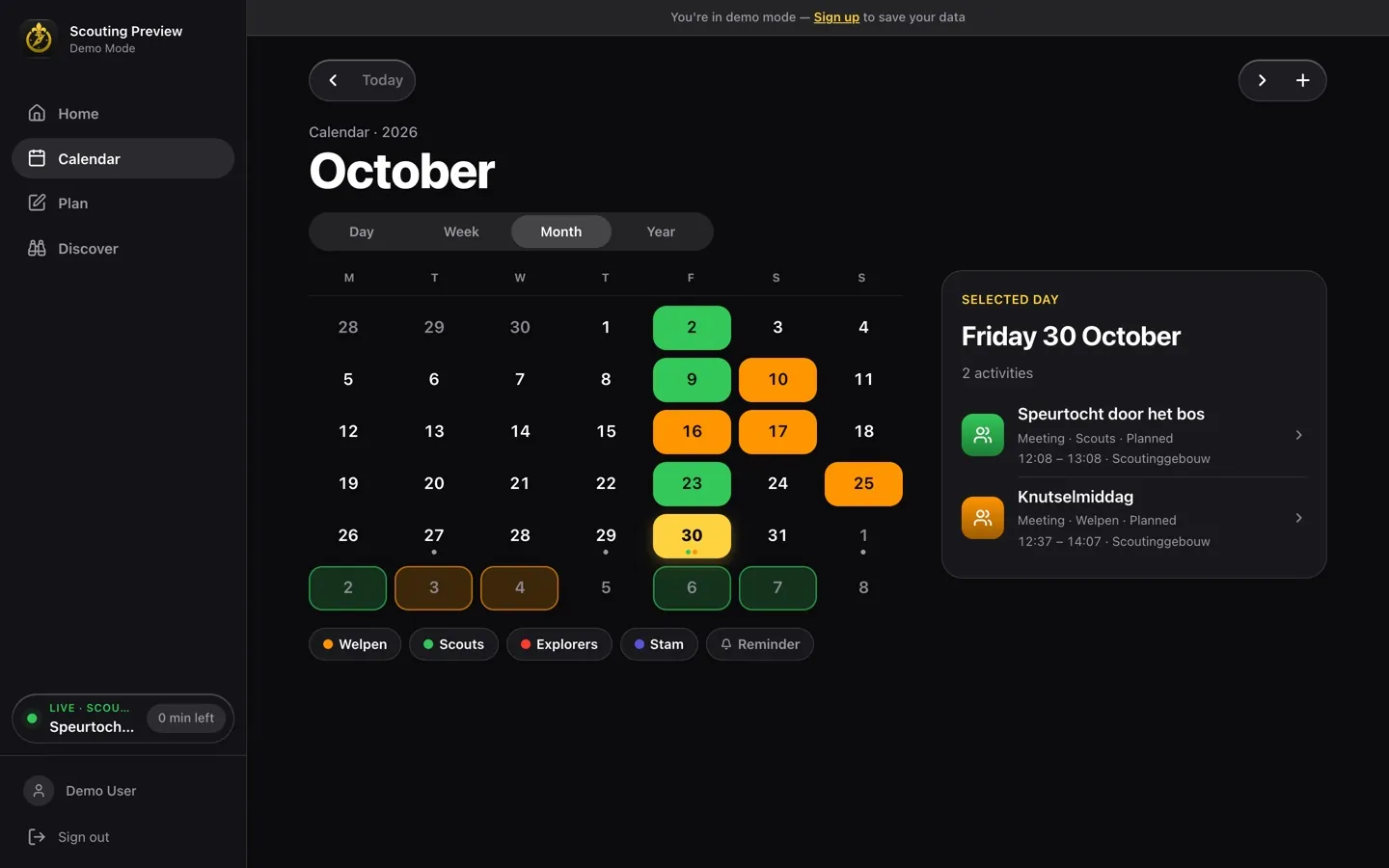
And light or dark, whichever you prefer.
Planning
Plan the meeting, not the paperwork.
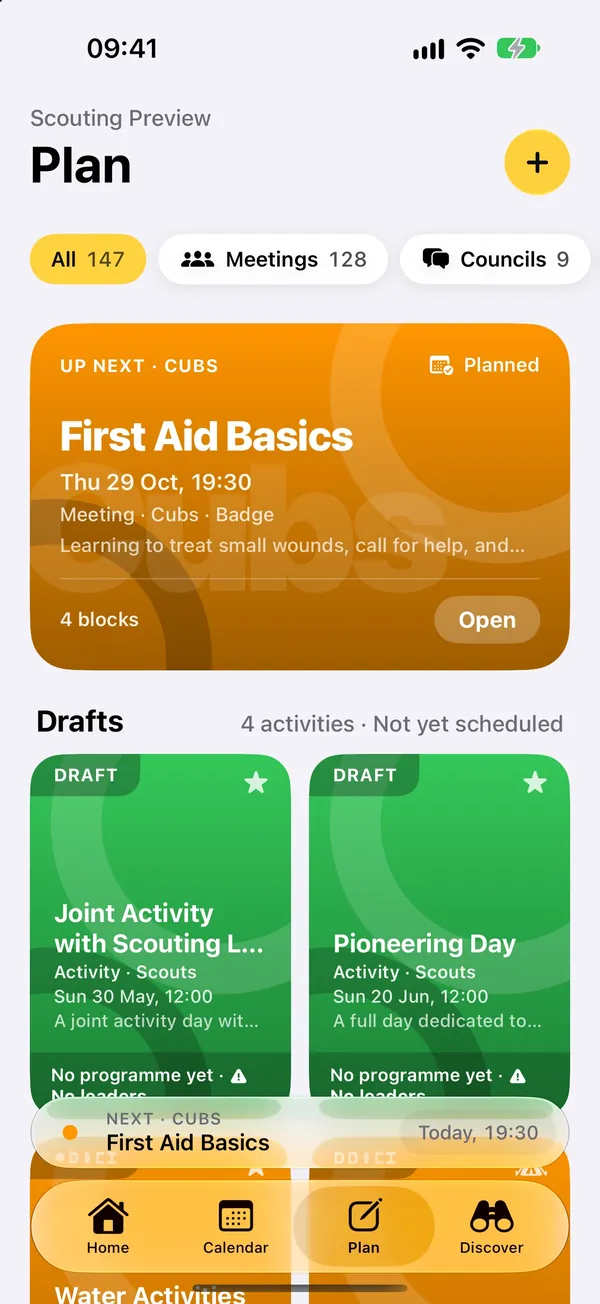
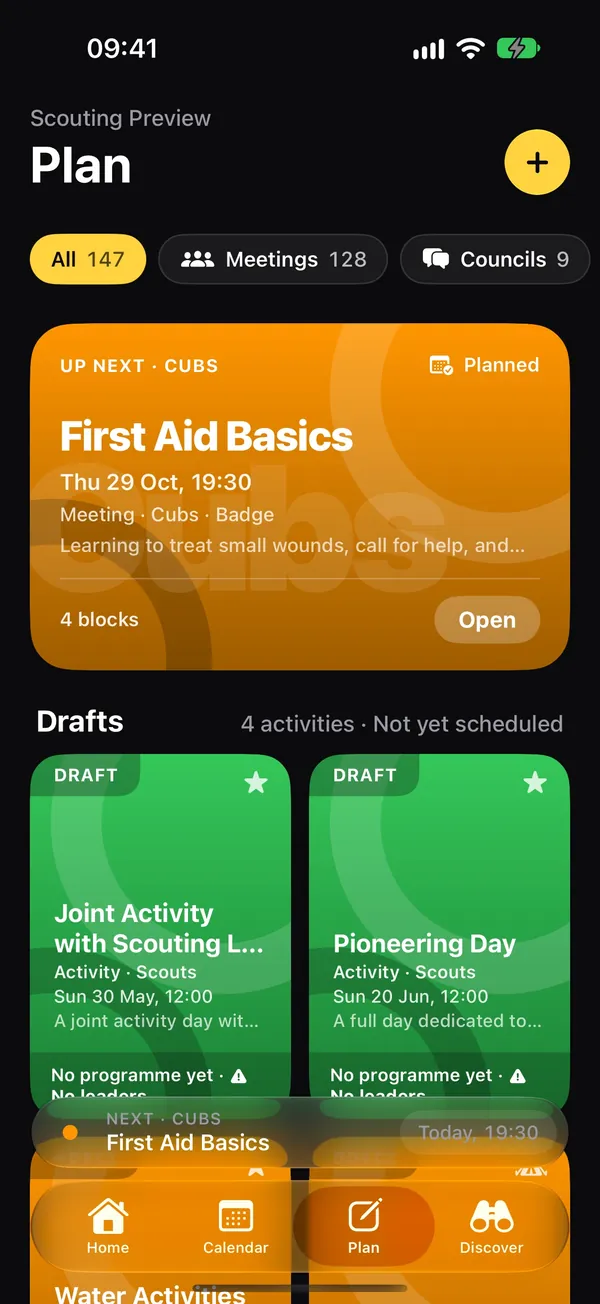
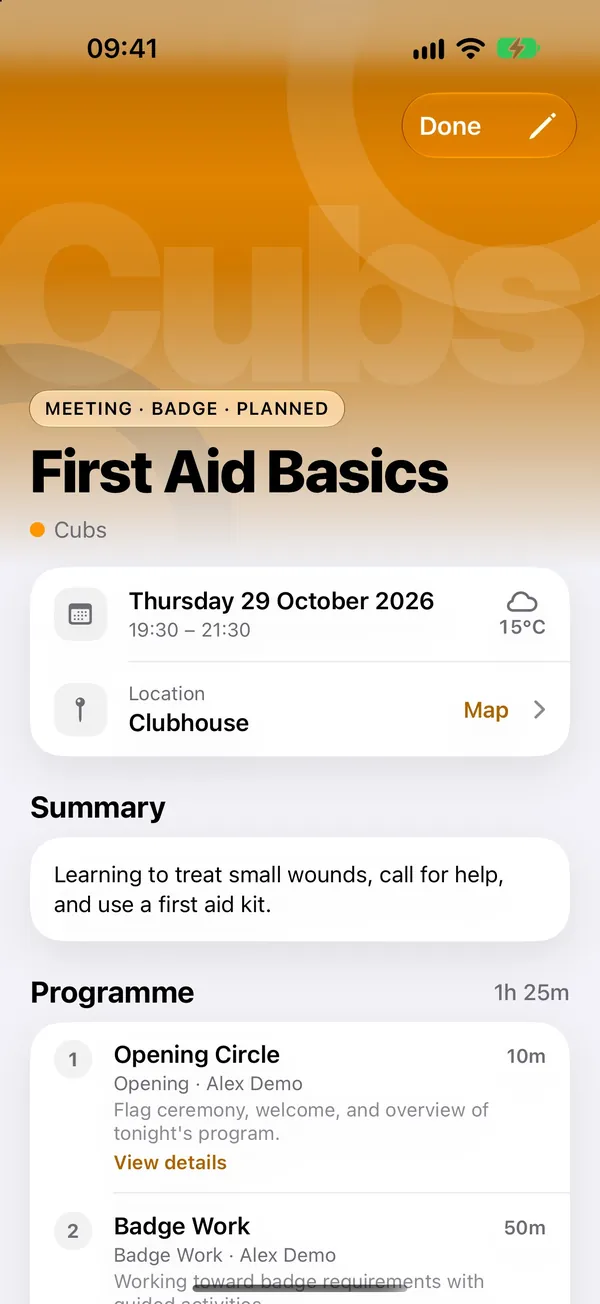
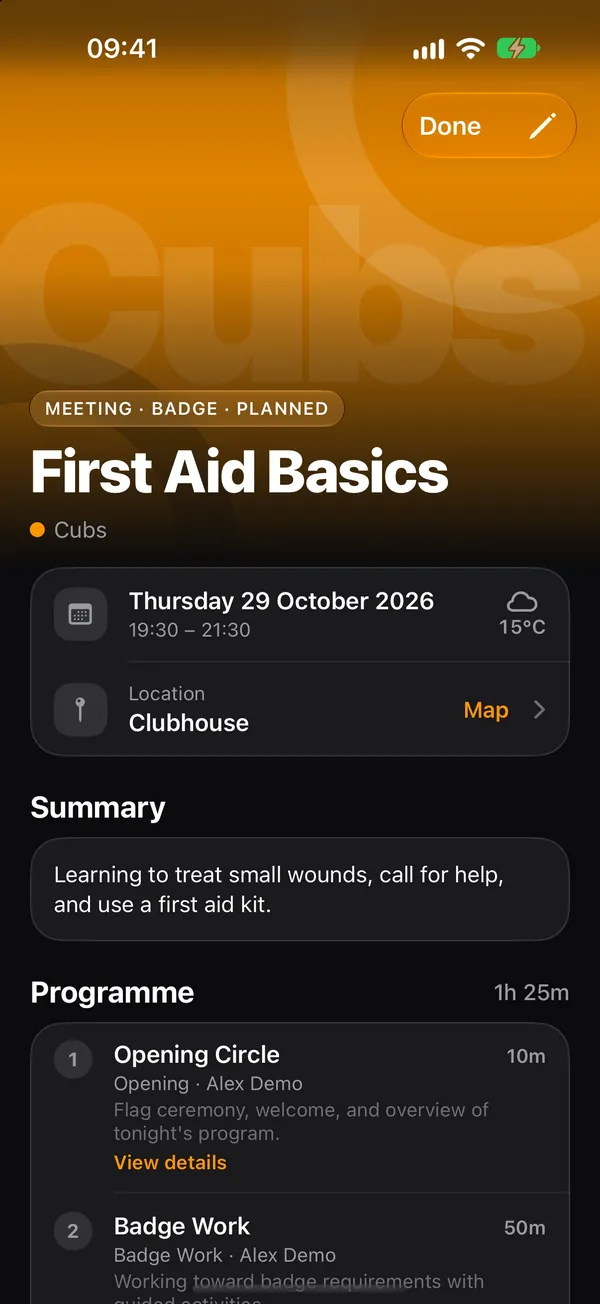
Build each meeting from programme blocks you've run before, keep it as a draft until it's ready, and put the route, the photos and the permission slip where every leader can find them.
- Meetings, camps and leaders' councils per section
- A library of programme blocks to reuse
- Reminders with a name and a date on them
Calendar
The whole term at a glance.
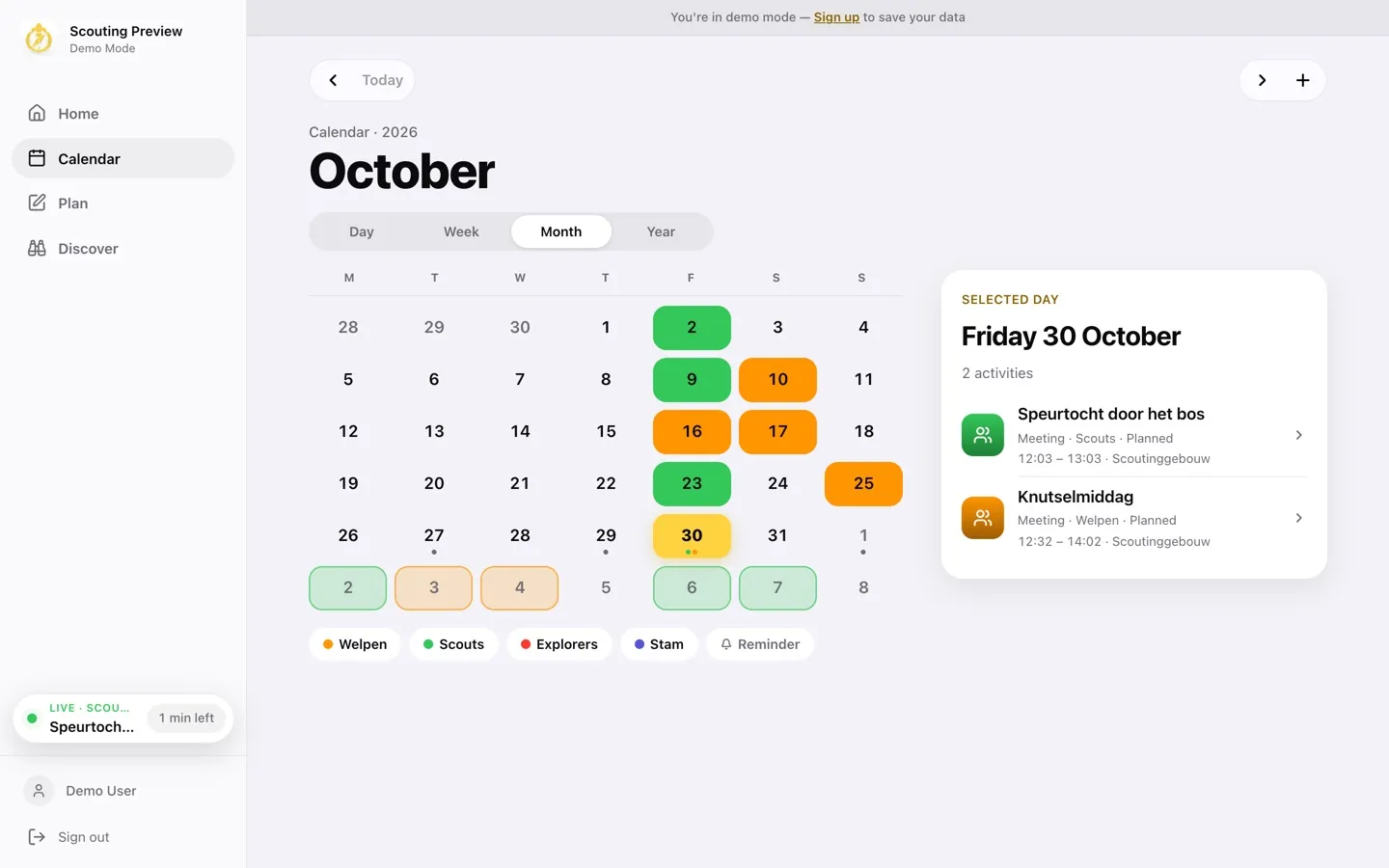
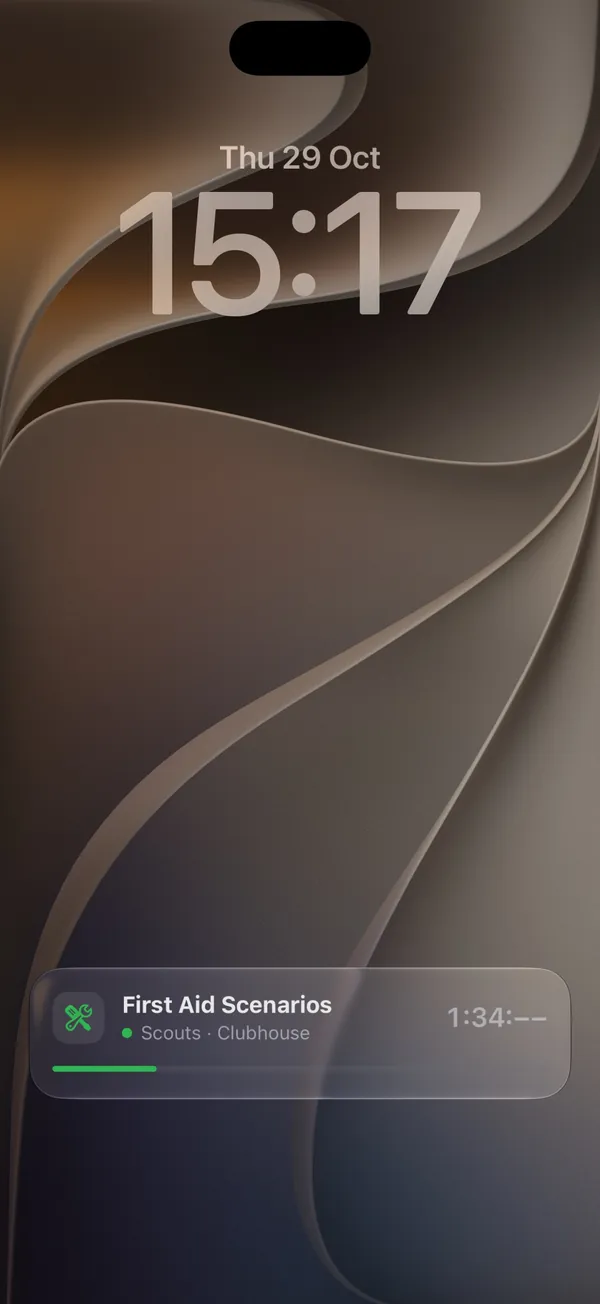
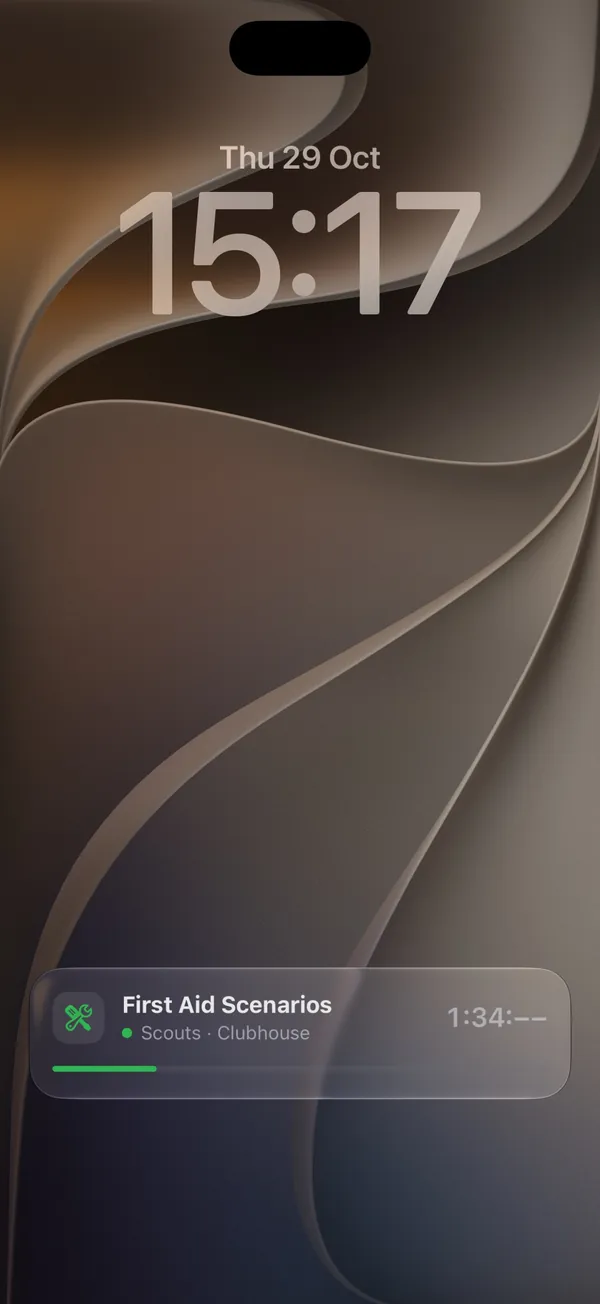
Day, week, month or year: see what every section has coming up, and what's on right now. On iPhone, the meeting that's running sits on your Lock Screen.
- Every section in one calendar
- Live now, with the part of the programme that's on
- A countdown to the next camp
Badges
Badges that actually get finished.
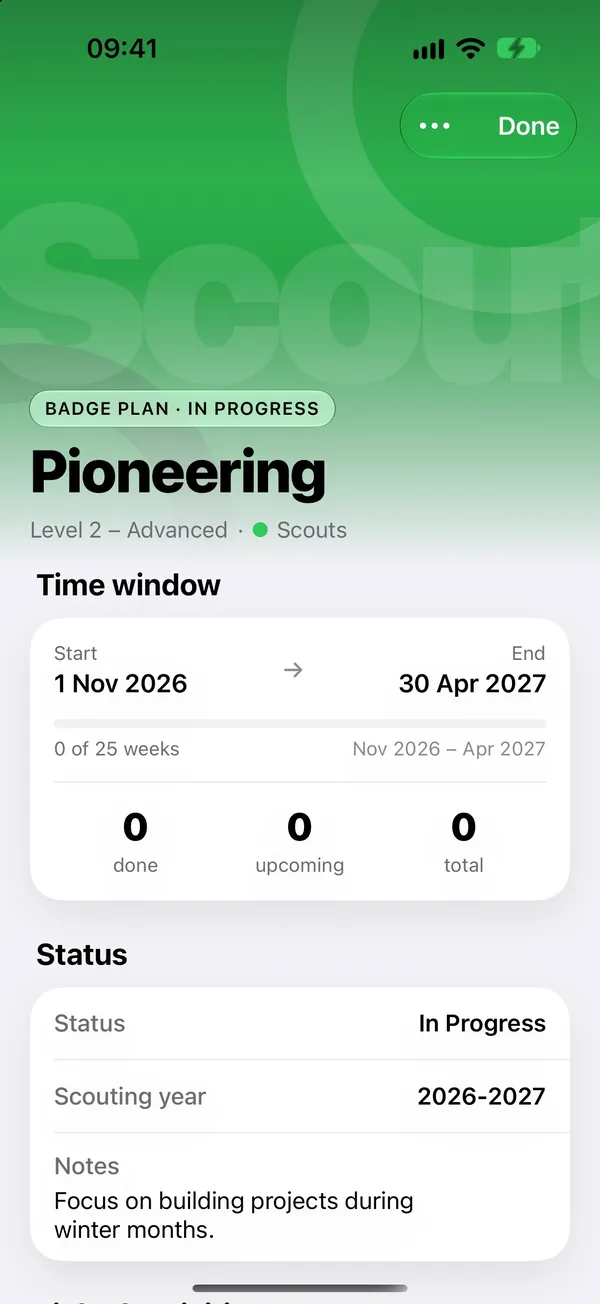
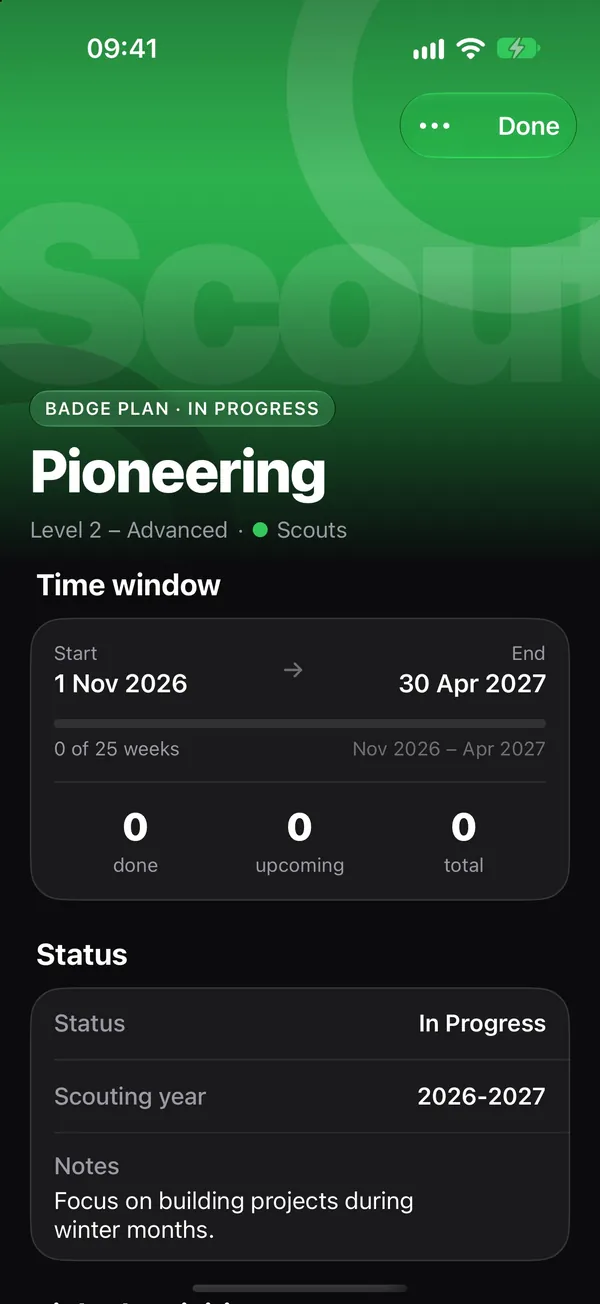
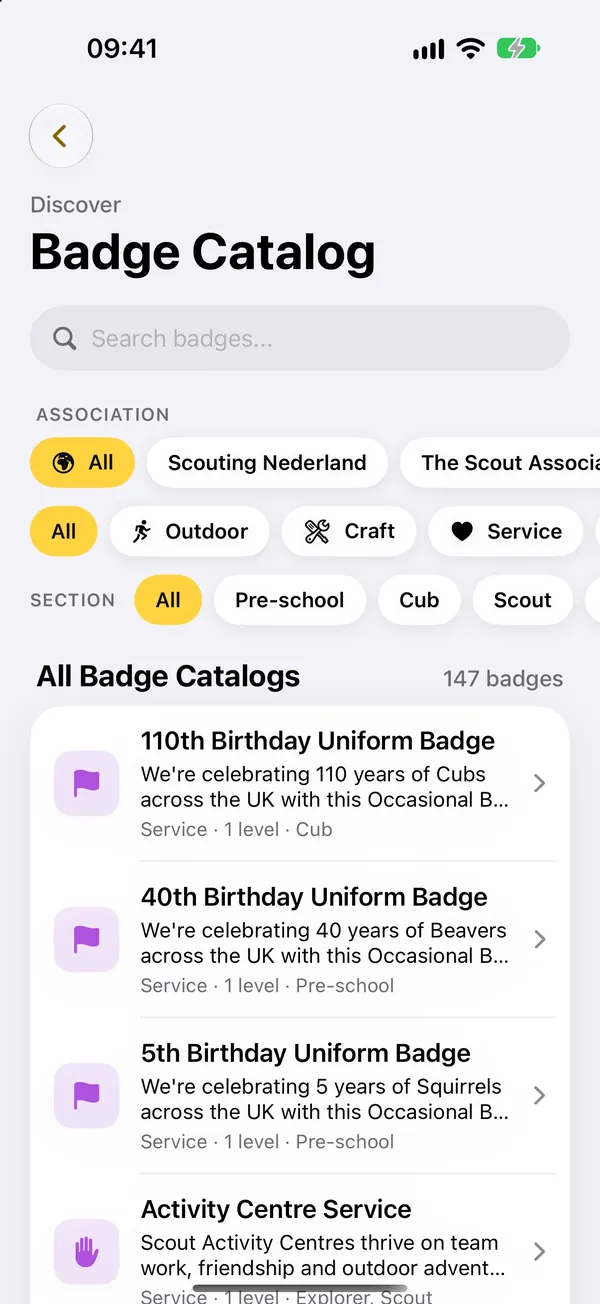
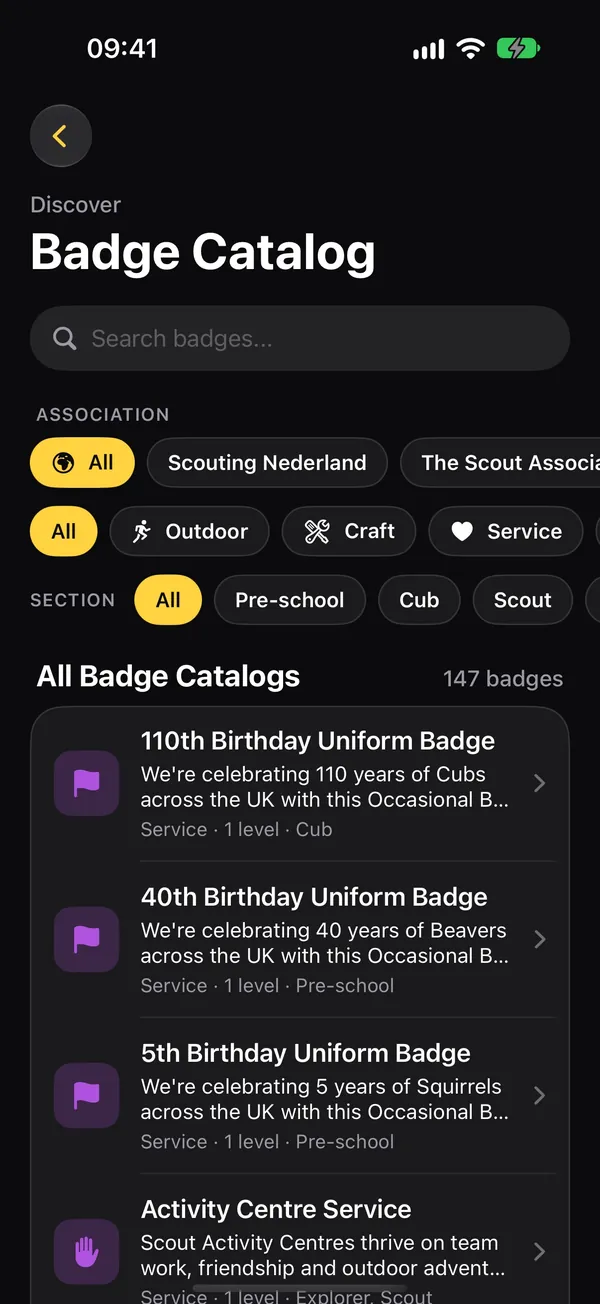
The Dutch and UK badge catalogs are built in, and you can add your group's own. Plan a badge for a section with a start and an end, link the meetings that work towards it, and see what's left to do.
- Official badge catalogs, plus badges of your own
- A badge plan per section, with a time window
- Meetings linked to the badge they count for
Your group
Every leader on the same page.
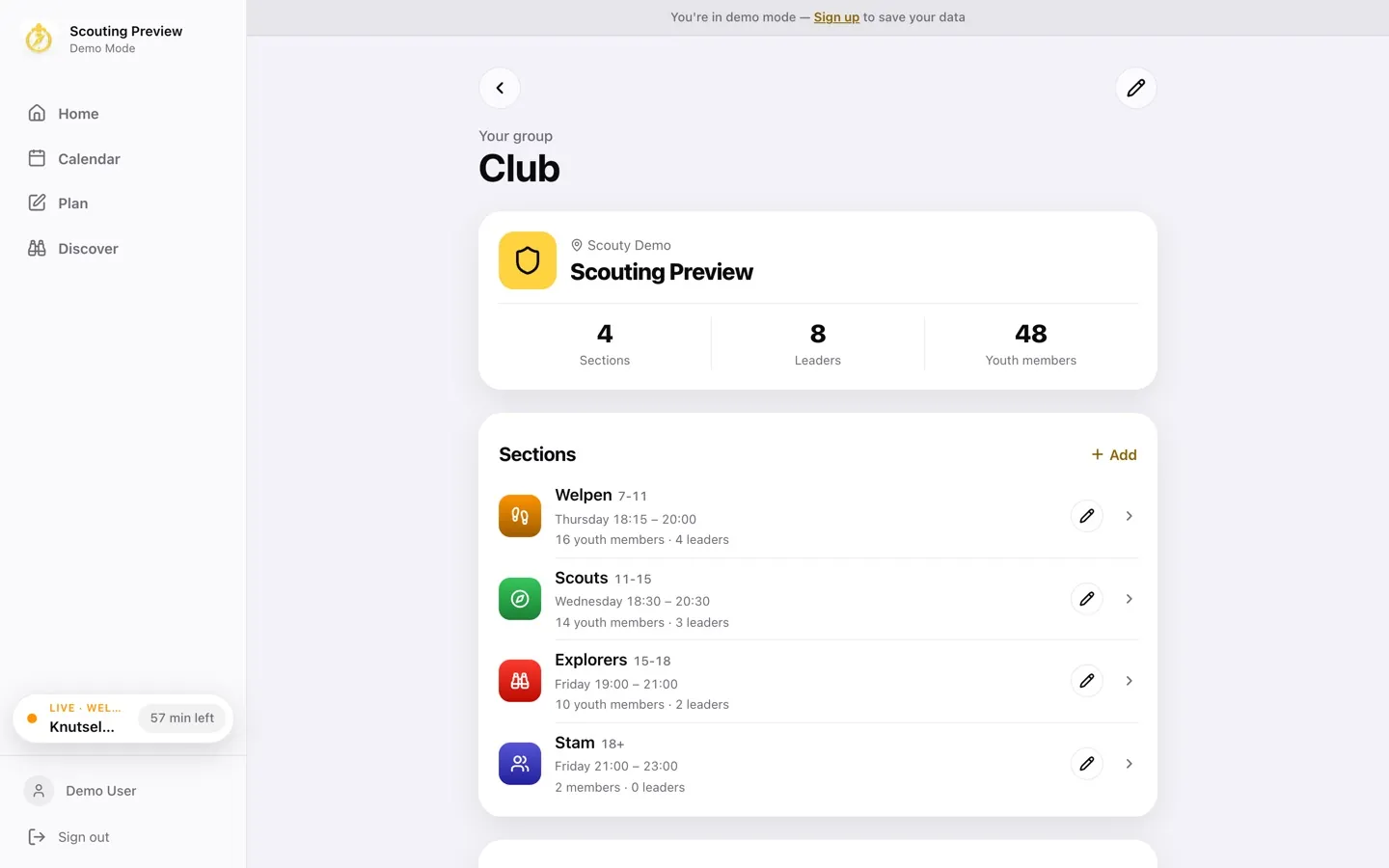
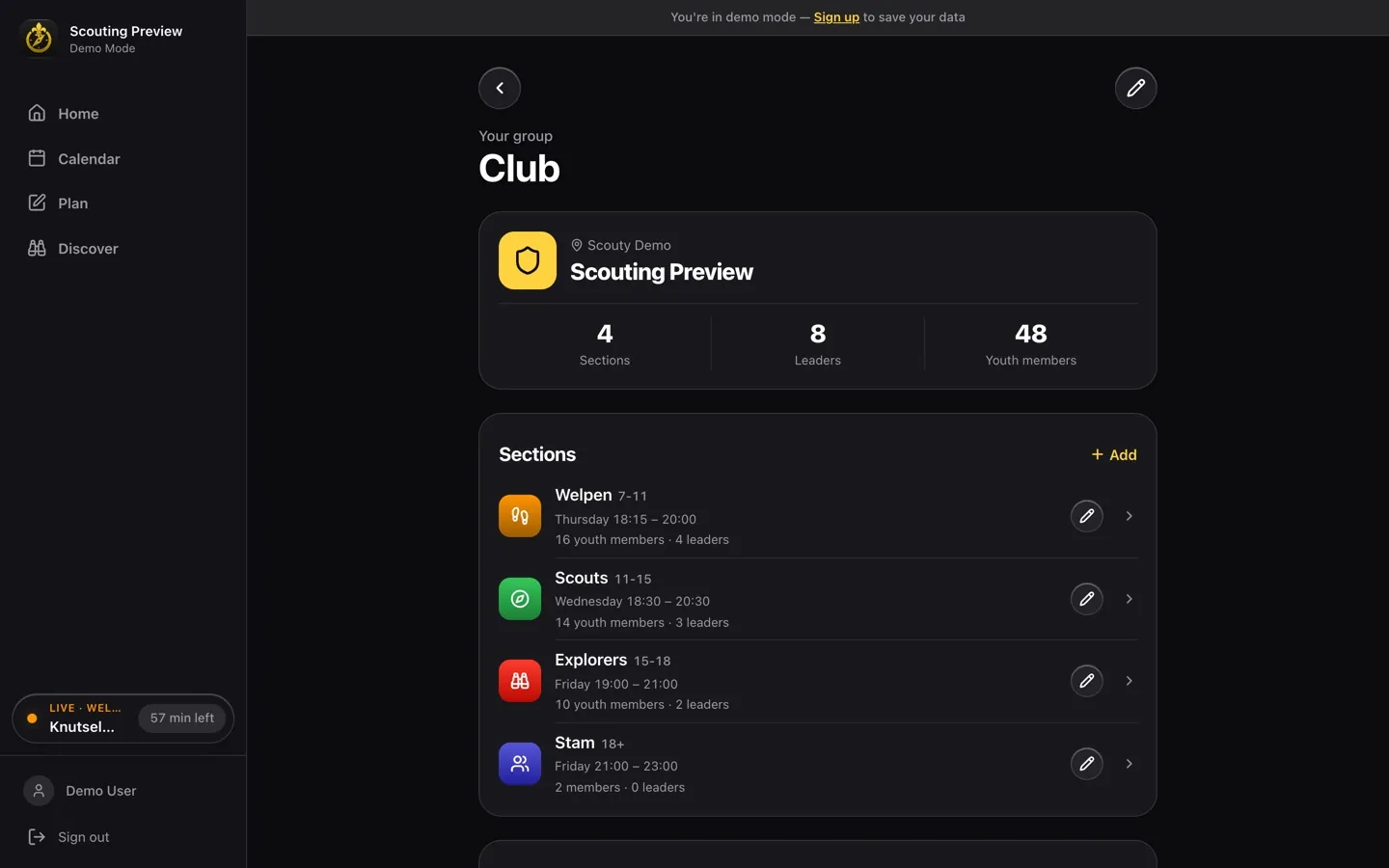
Add your sections and invite the other leaders with a link. Roles decide who plans, who edits and who runs the group, and a section you stop running keeps its history in the archive.
- Invitations by link, no passwords to hand out
- Roles for leaders, the board, and explorers or stam who plan their own meetings
- One account for more than one group
Discover
Everything for the night itself.
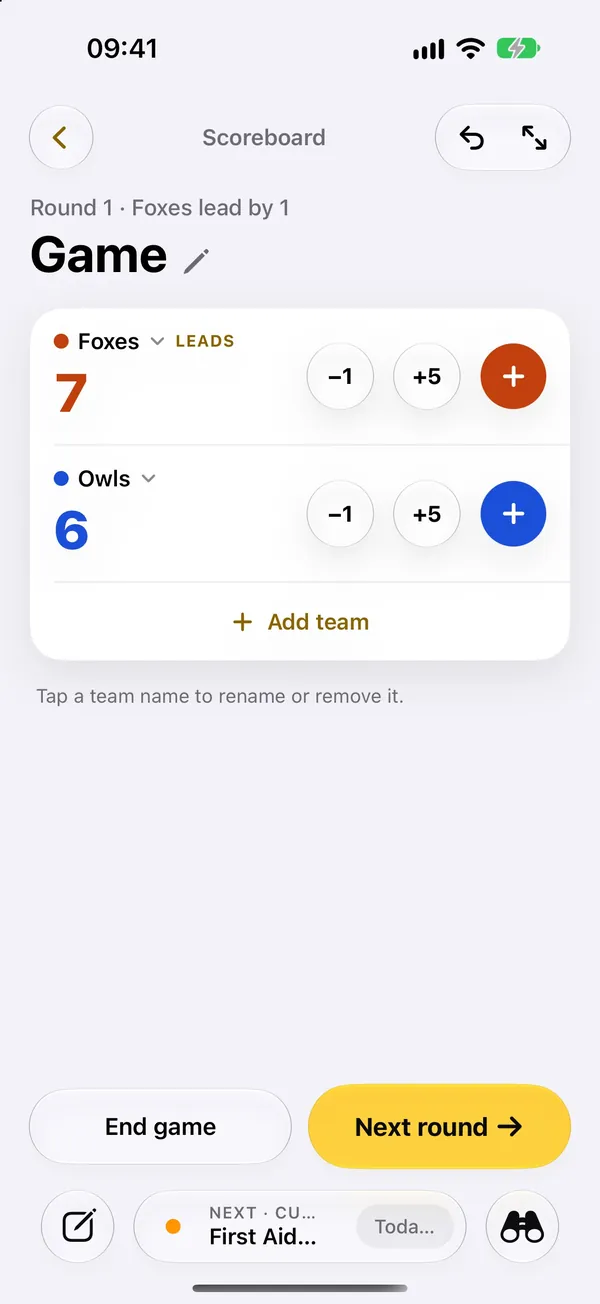
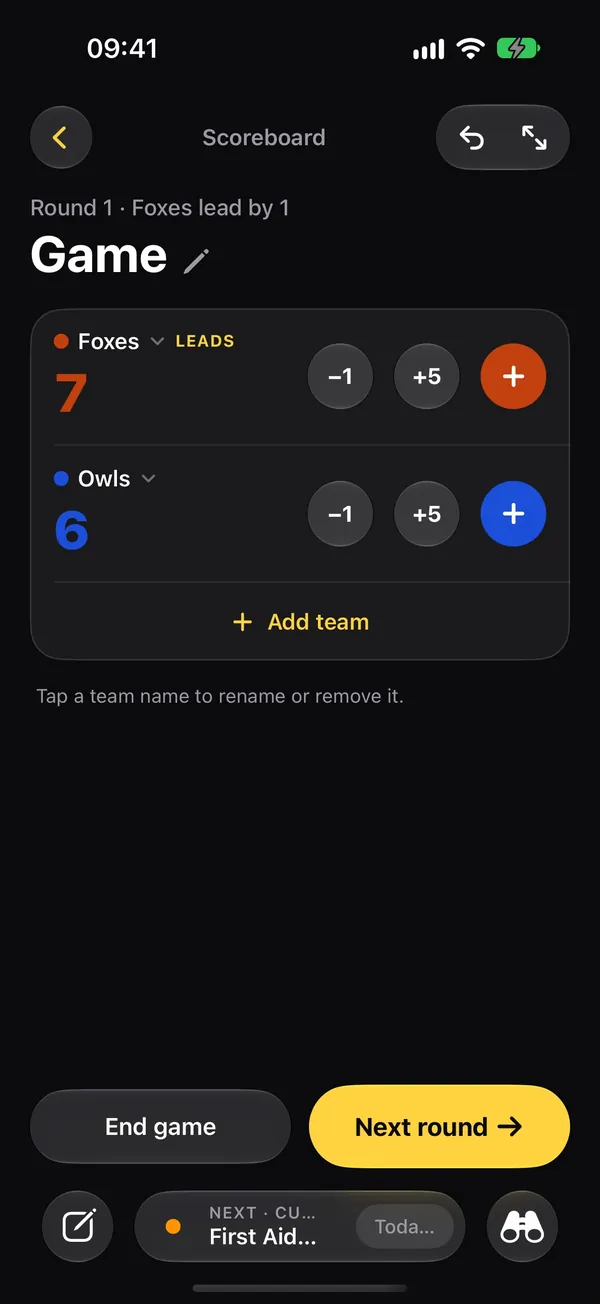
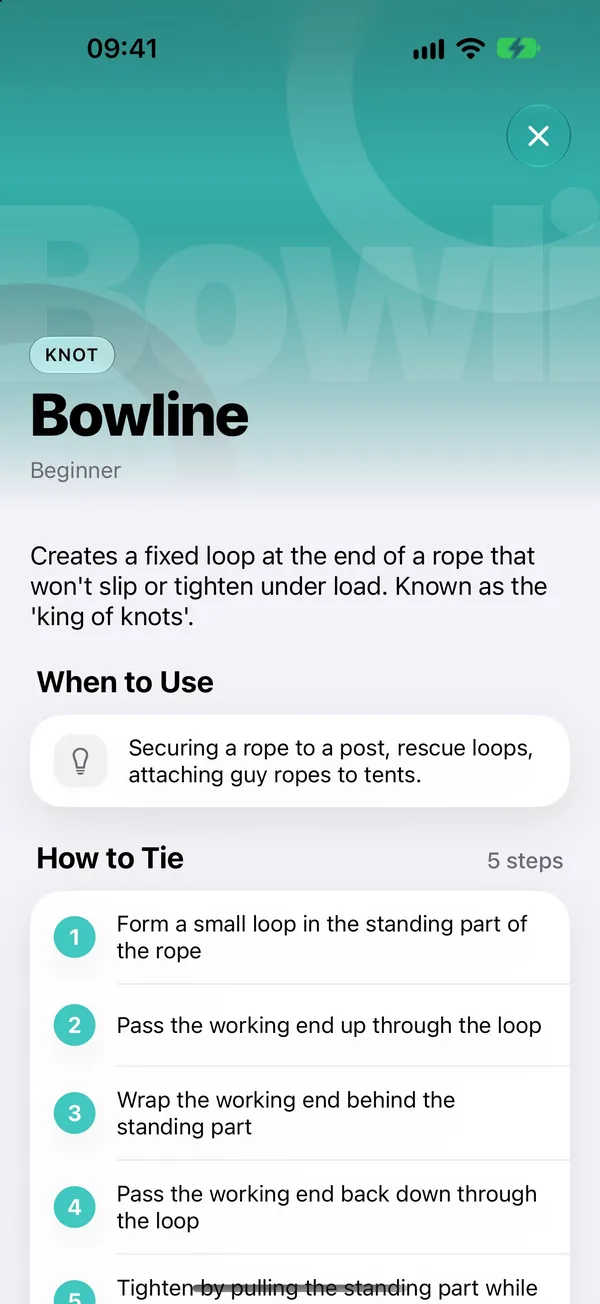
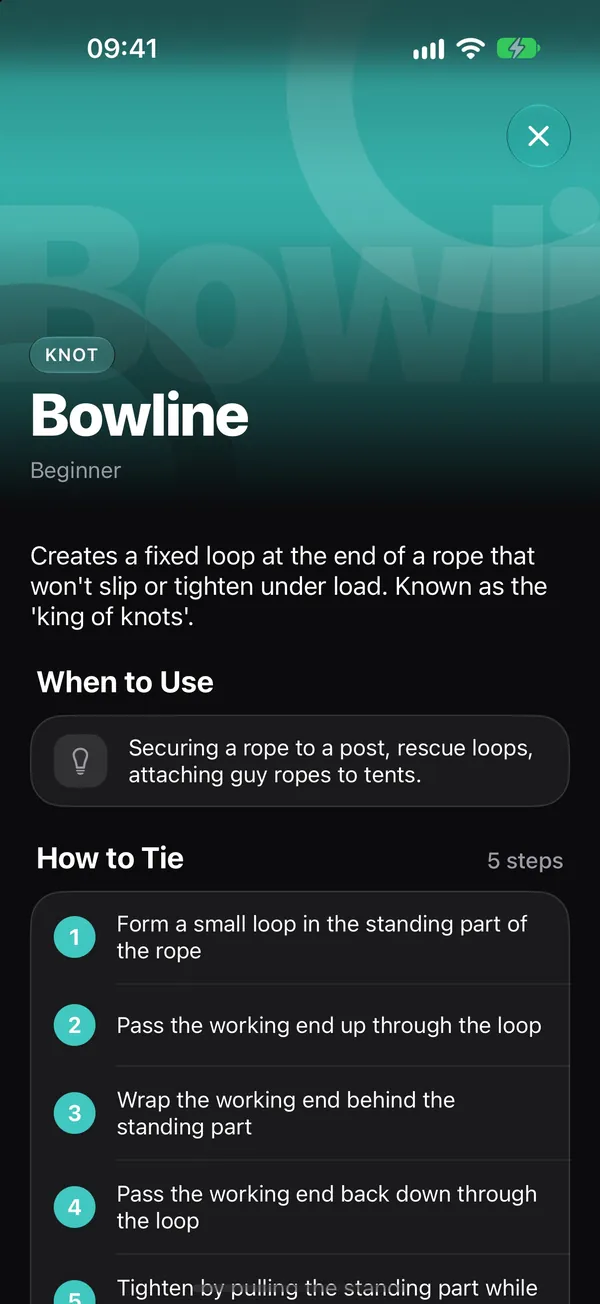
Knots, fire lays, nature and pioneering for when the plan says ‘teach a skill’, and a Game Toolkit for running it: keep the score, time the rounds, make fair teams.
- Step-by-step knots and fire lays
- Scoreboard, timer, team maker, picker and dice
- Head count and signals for out in the field
AI, your way
Bring your own assistant.
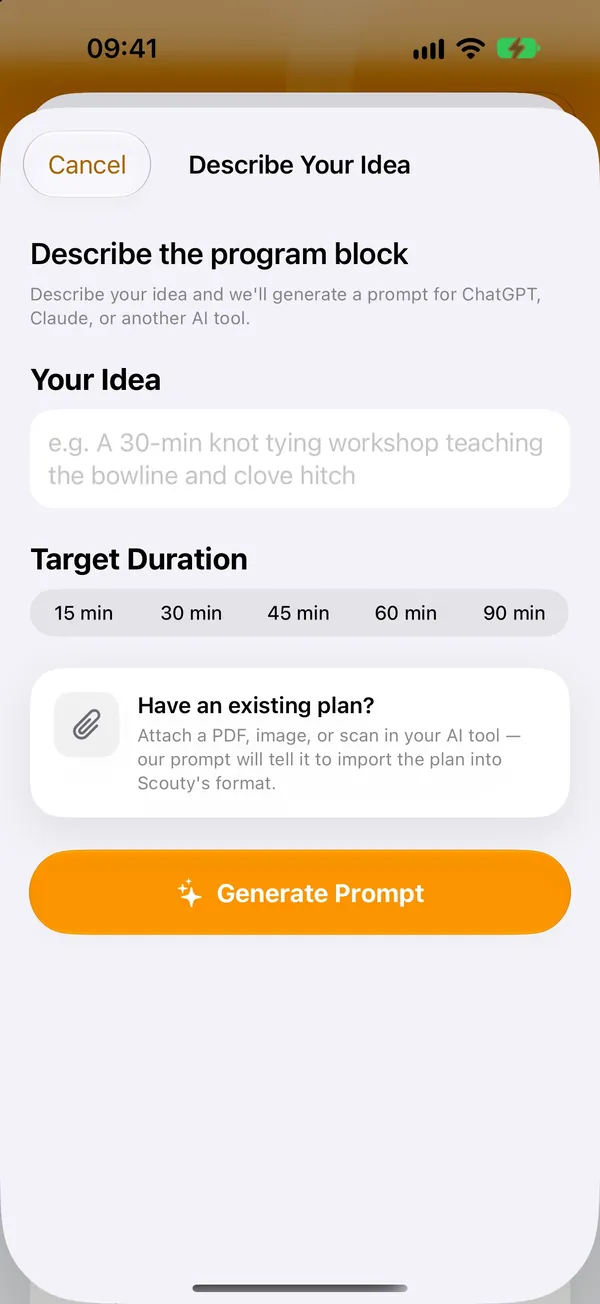
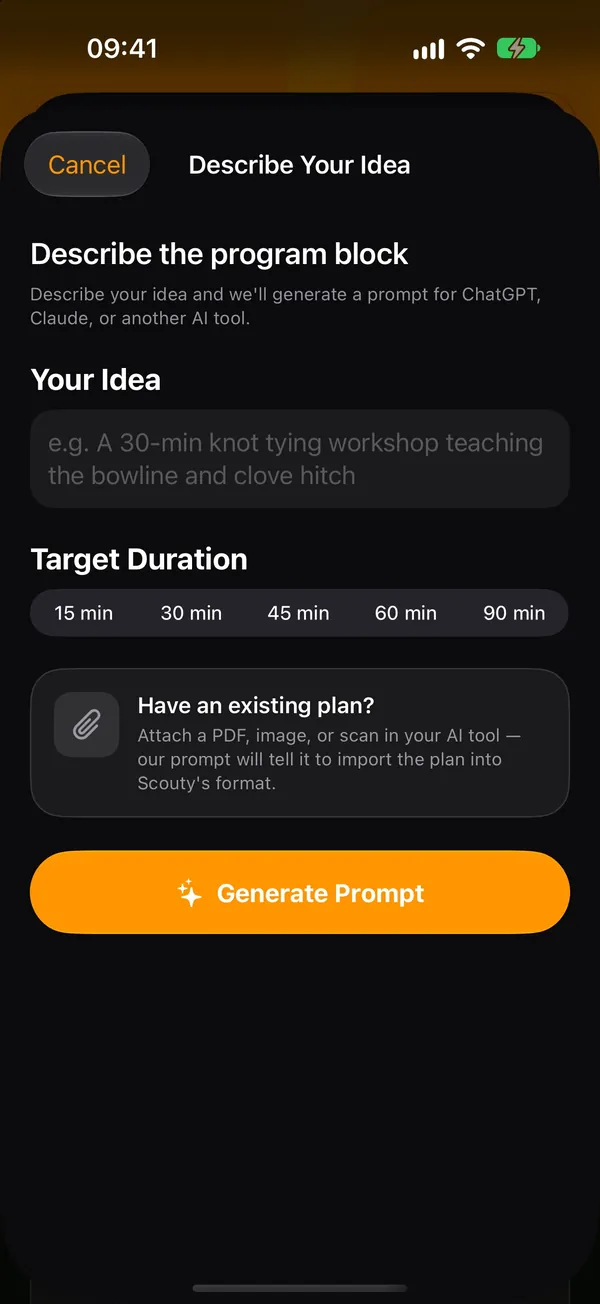
Describe the meeting you have in mind. Scouty writes a prompt for the AI assistant you already use, and turns its answer into a draft you can change. Scouty itself sends nothing to an AI service.
- Meetings, camps, programme blocks and badges
- Works with ChatGPT, Claude or any other assistant
- You check the draft before it's planned
Up and running in a day.
No installation and nothing to configure. Sign in with your email address.
- 1
Start your group
Name your group and add the sections you run. Scouty checks every new group, usually within a day; you can set it up and plan in the meantime.
- 2
Invite your leaders
Once your group is approved, send each leader a link. They join with the role and the sections you gave them, and explorers and stam can join as members.
- 3
Plan the next meeting
Start from a programme block, or from scratch, and everyone sees it straight away.
Have a look around first.
The demo group is full of meetings, camps and badge plans. Click anything you like: nothing you change there is saved.